











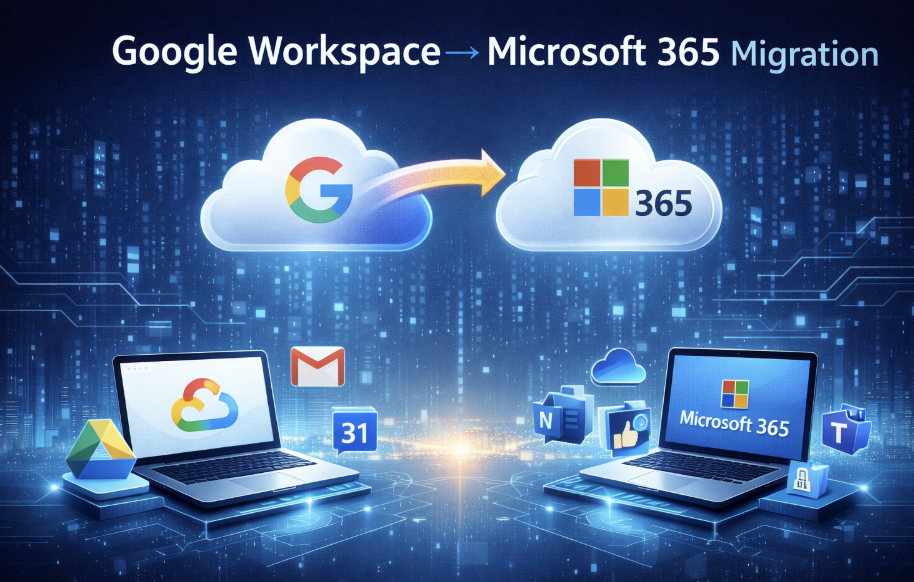
Google Workspace → Microsoft 365 Migration
Google Workspace → Microsoft 365 Migration
Why Migrate?
- Enhanced integration with Microsoft tools
- Better enterprise control & security
- Improved collaboration with Teams
- A unified productivity platform, as some businesses are using Microsoft in some form or another
Migration Roadmap
- Plan & Assess
- Domain Verification
- User Setup
- Email Migration
- Drive Migration
- Test & Launch
Step 1 – Planning
- Identify users & mailboxes
- Choose migration method (IMAP, PST, 3rd party tools)
- Schedule downtime
Step 2 – Domain Verification
- Add the domain in the Microsoft 365 admin
- Update DNS records with registrar (TXT verification)
Step 3 – User Account Setup
- Use Azure AD or manual CSV import
- Assign licenses
- Enable Multi-factor authentication
Step 4 – Email Migration
- Use Microsoft Migration Wizard or IMAP
- Validate batches
- Monitor via Exchange Admin Centre
Step 5 – Drive Migration
- Tools: Mover.io (Microsoft), ShareGate, Cloudsfer
- Map Google Drive to OneDrive or SharePoint
Step 6 – Testing & Go-Live
- Test mail flow and calendar sync
- Communicate the cutover date
- Provide quick-start user guides
Best Practices
- Backup data before migration
- Notify users early
- Pilot with a small group
- Schedule during low traffic
You are Live Now. 🙂
Tools Checklist
| Tool | Purpose |
|---|---|
| Migration Wizard | Email transfer |
| Azure AD | User management |
| OneDrive Admin | File migration |
| DNS Host | Domain verification |
Please let me know if there are any questions at support@innoligo.com